
Free online PDF tools
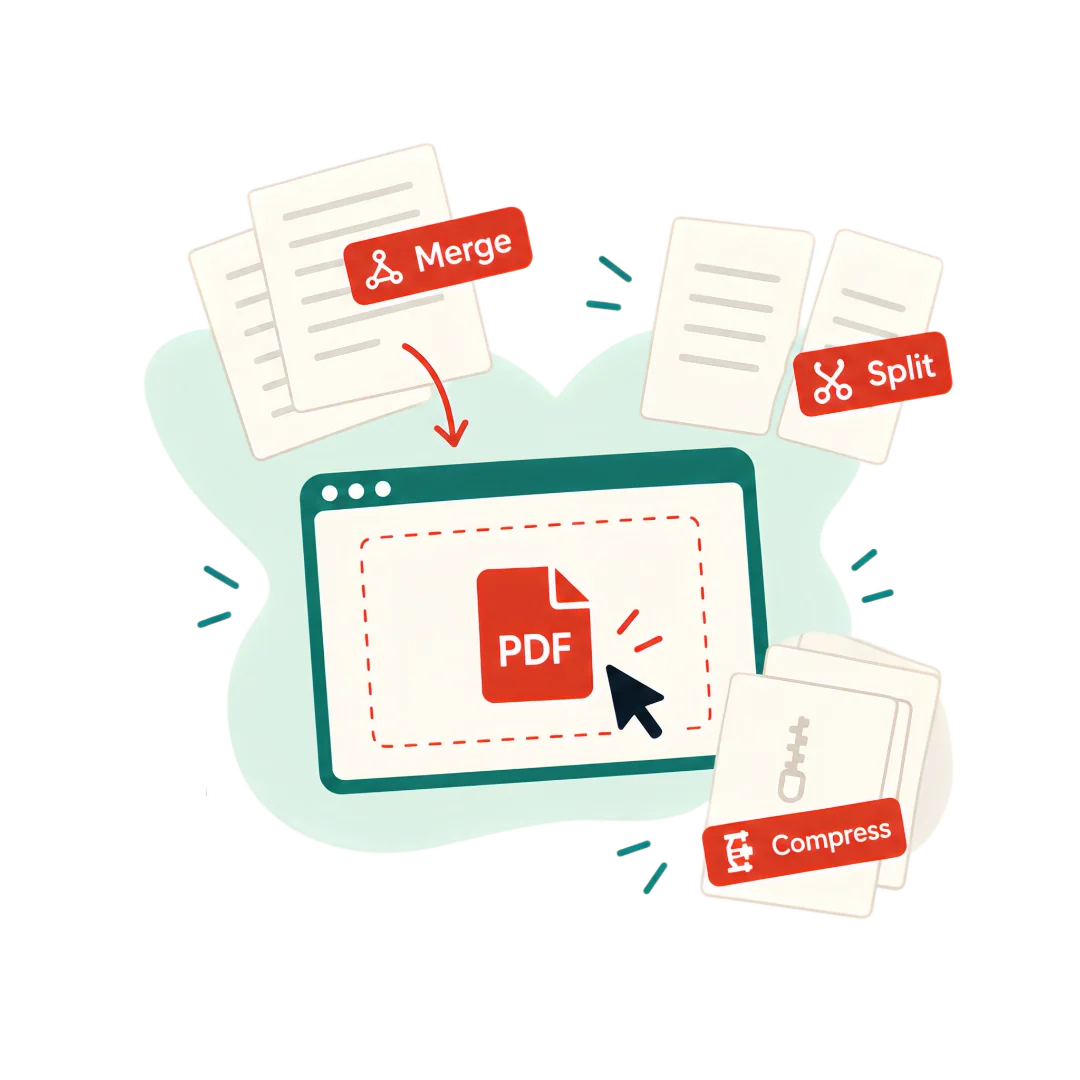
Split, merge, compress: every tool runs in your browser, and your documents never leave your device.
All tools
How it works
- 01
Import your PDF
Drag and drop your file into any tool. Nothing is uploaded: the file stays on your device.
- 02
Processed in your browser
No queue, no server round-trip: processing starts the moment your file is loaded.
- 03
Download the result
Files are ready in seconds, without watermarks or accounts, with the original quality preserved.
Why local PDF tools?
Most online PDF tools upload your documents to their servers. pdffacile takes the opposite approach.
| Typical online tools | pdffacile | |
|---|---|---|
| Your files | Uploaded to a remote server | Processed in your browser |
| Account | Often required | Never |
| Watermark on free tier | Common | None |
| Size limits | Quotas and paywalls | No server-imposed limits |
| Waiting | Upload, then a processing queue | Instant |
Frequently asked questions
- Are my files uploaded to a server?
- No. The tools run entirely in your browser: your documents never leave your device.
- Do I need an account?
- No. Every tool works without signup, without watermarks and without usage limits.
- Is the quality preserved?
- Yes. Splitting never recompresses content: text stays selectable and the original quality is intact.
- Which features will be paid?
- Tools that run in your browser — splitting, merging, compressing — stay free and unlimited. Only features that require servers (OCR, AI tools) will be offered via the Pro plan or credits.
PDF tools that respect your documents
pdffacile is a suite of free PDF tools built around one principle: a personal document — a contract, a payslip, an ID — should not have to be uploaded to a server to be split, merged or organized. All processing happens locally, in your browser.
The first available tool, PDF splitting, lets you separate the pages of a document, cut it into page ranges or extract specific pages. More tools — merge, compress, unlock, organize — are coming soon.
The roadmap follows the same principle: local processing by default, servers only when a feature truly requires it — always stated clearly before any transfer.